
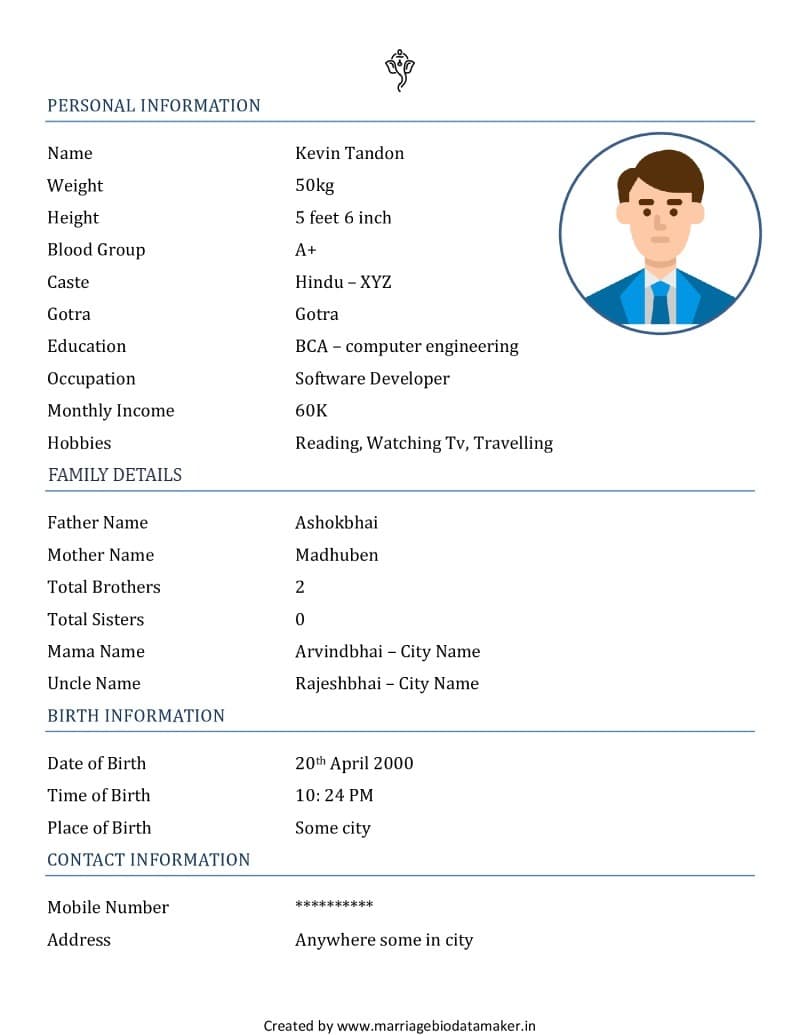
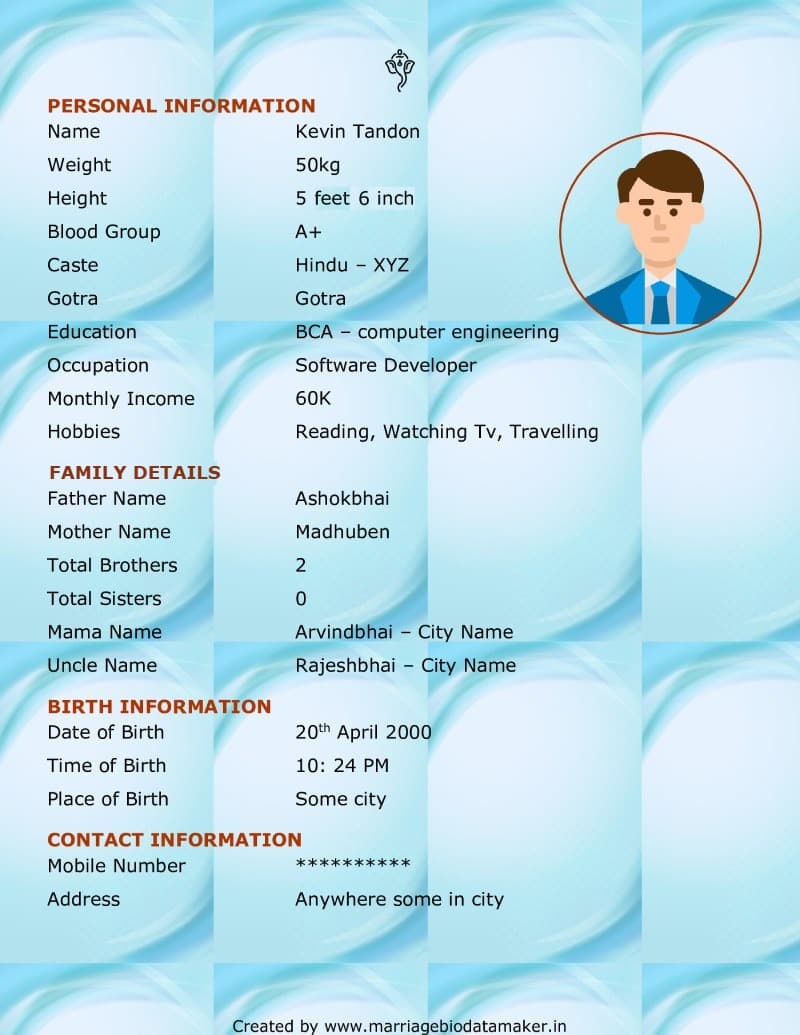
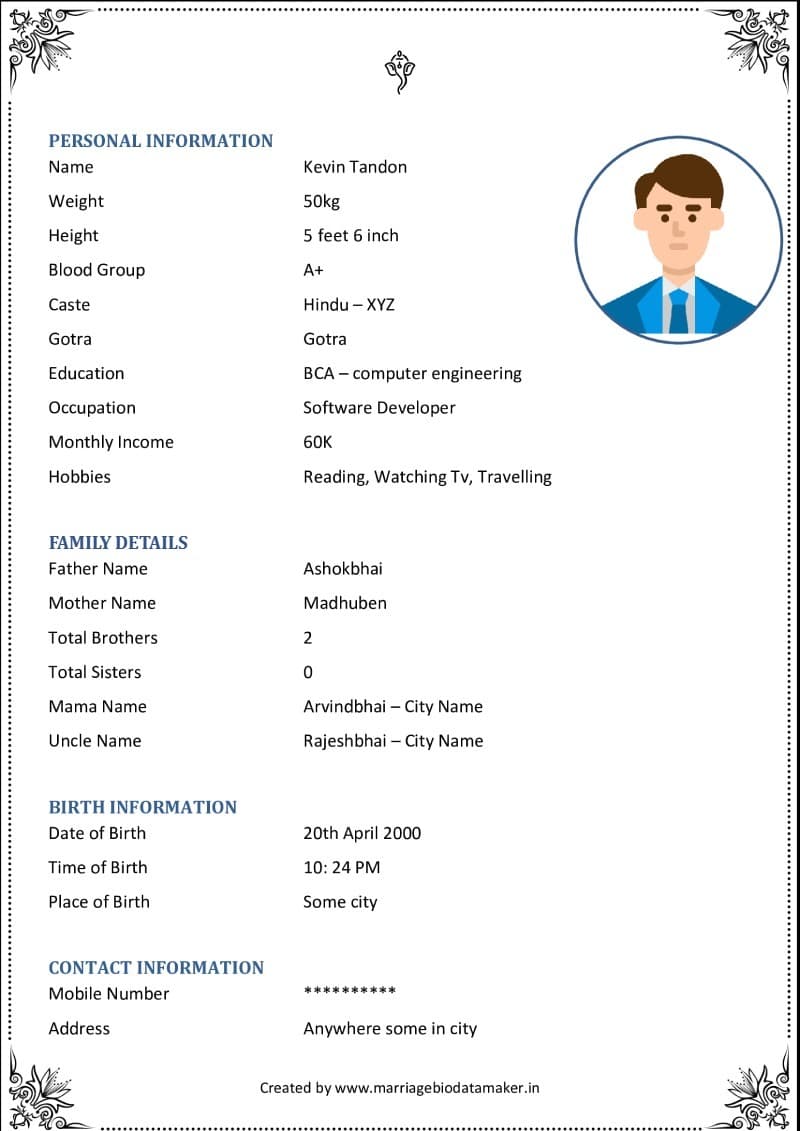
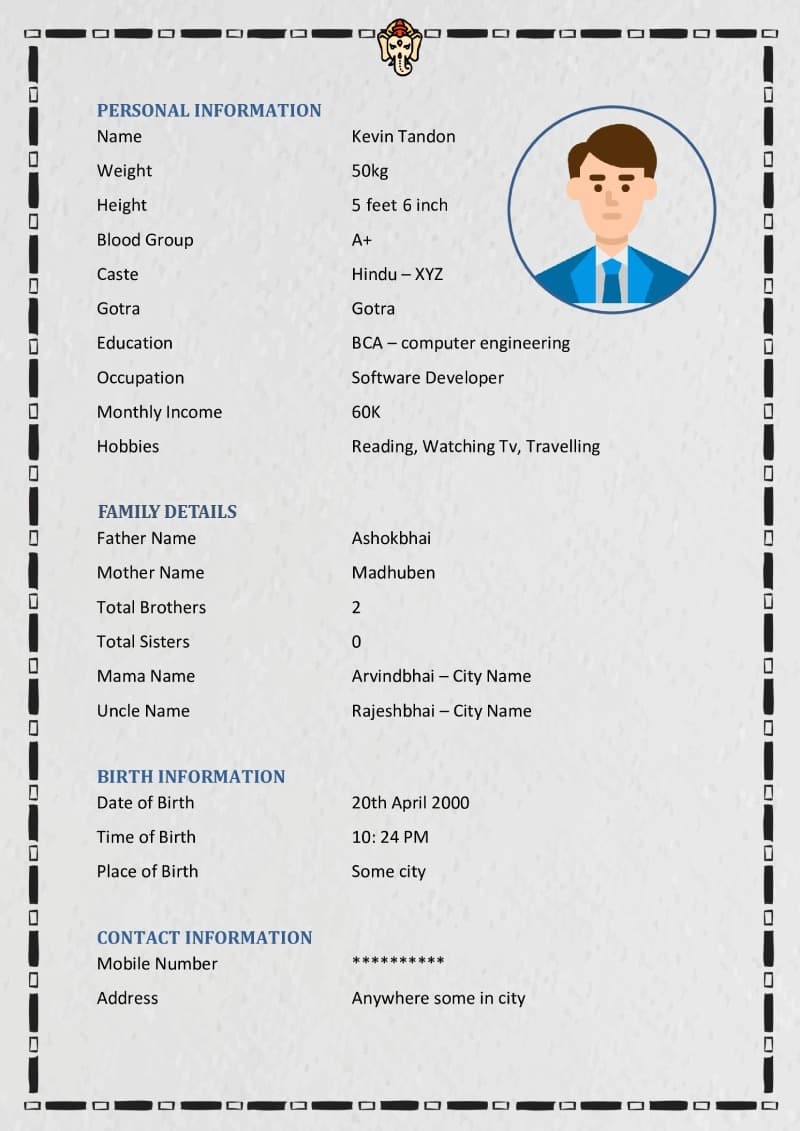
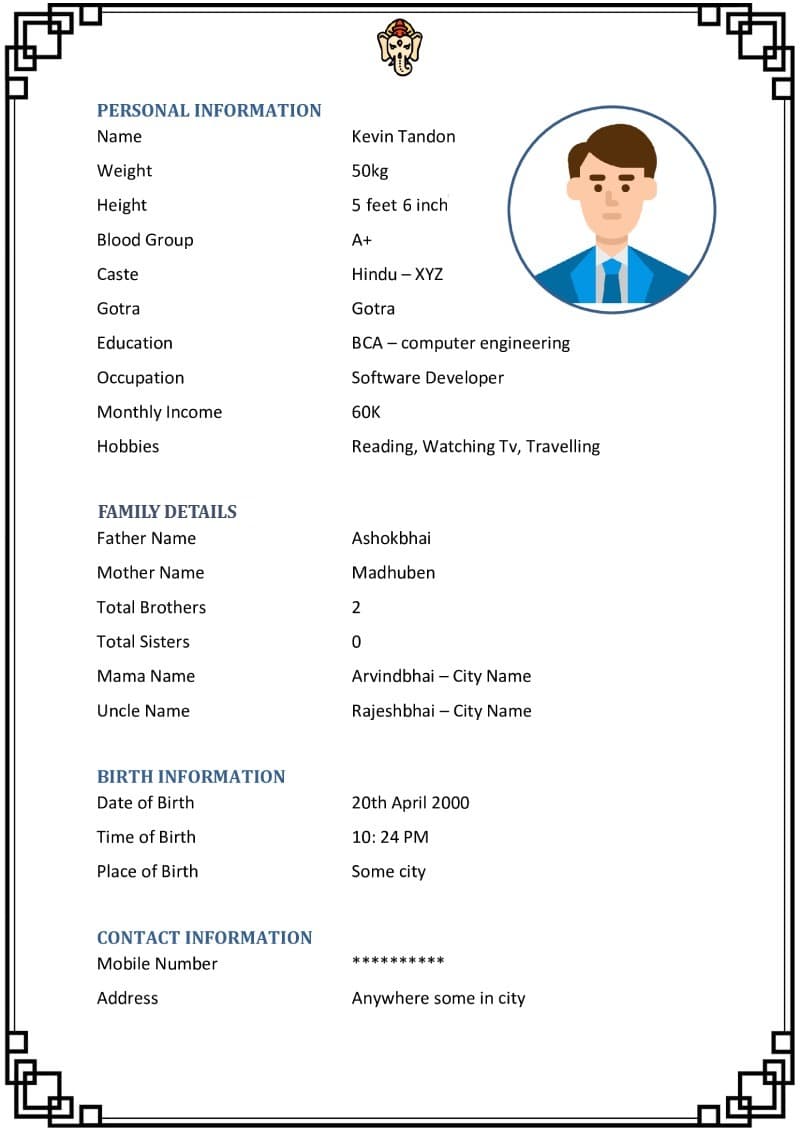
How to fill the Word biodata
- Download a format above and open it in MS Word or Google Docs (Drive → New → File upload).
- Click each sample value (name, birth date, education…) and type your own.
- To add rows such as Gotra, Rashi or Mama's name, place the cursor in a table row and choose Insert → Row below.
- Replace the sample photo: right-click → Change picture → From a file.
- Save as PDF (File → Save as / Download → PDF) before sending, so the layout doesn't move on other phones.
What to include
Personal details, horoscope details (rashi, nakshatra, gotra, manglik), family details and a contact person. See filled examples in the biodata format for boy and the biodata format for girl (with a hobbies list).
Frequently asked questions
How do I edit a marriage biodata Word file?
Download the .docx file and open it in Microsoft Word, or upload it to Google Docs (free). Click on any value such as the name or date of birth and type your own details. To change the photo, right-click the sample photo and choose 'Change picture'. Then save or export it as PDF.
Can I edit the Word biodata on my mobile?
Yes — open the .docx file in the free Microsoft Word or Google Docs app on Android or iPhone. Editing tables and photos on a small screen can be fiddly; the online maker on this site is easier on mobile and gives you a PDF or JPG directly.
Are these Word formats free?
Yes, all five .docx formats are free to download and use, with no sign-up.
Do you have the Word format in Hindi or Marathi?
These Word files use English field names. For a biodata in Hindi, Marathi, Gujarati, Bengali, Tamil, Telugu or another Indian language, use the online maker — it changes all field names to your language and uses the correct fonts, which Word often doesn't have.
Word file or online maker — which is better?
Word is good if you are comfortable with it and want full manual control. The online maker is faster: 20 designs, photo cropping, kundli page, 12 languages and one-click PDF or JPG download, with no formatting going out of place.